What’s new in Nelson 2.0
Nelson 2.0 is a major release. It is faster on the inside and considerably broader on the outside. Existing scripts run more quickly, larger projects gain real structure, and several new ways of working arrive: visual modelling, a browser-based desktop, and a modern data-analysis toolkit.
Some 2.0 capabilities ship as beta, and are marked as such below.
A faster engine
Your code now runs on a bytecode virtual machine with compiled chunks and dedicated fast paths for real and complex scalars. The results are the same, and the execution is noticeably quicker. Nelson holds itself to a strict internal performance target, and a broad optimisation pass turned dozens of common operations from quadratic to linear, so workloads that previously took tens of seconds now finish in a fraction of that time.
Object-oriented programming with classdef
You can write value and handle classes with inheritance, Constant, Dependent, and private
properties, static and instance methods, operator overloading, events, enumerations,
metaclass introspection, and arguments-block validation inside methods. Compatibility
has been checked extensively, so most existing object-oriented code runs unchanged.
NFlow: visual modelling with code generation (beta)
NFlow is Nelson’s visual block-diagram editor and simulator. You assemble a model from a palette of blocks, connect causal signal flows or acausal physical networks, and run it on a solver engine with live scopes and dashboards. When the model is ready, NFlow generates clean, standalone C and Rust that build and run on their own and match the simulation to machine precision. It also supports FMI and FMU for co-simulation.

Web desktop and WebAssembly
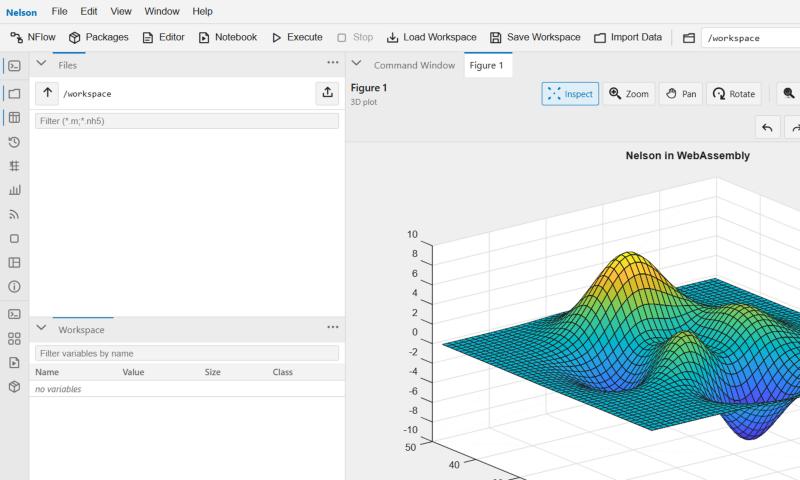
The web desktop brings the command window, code editor, debugger, variable editor, and dockable figures to your browser, using the same engine, with nothing to install. A separate WebAssembly build compiles Nelson itself so that it runs client-side in the browser.
Modern data analysis
- Tables and timetables for labelled, mixed-type data, with the full workflow:
variable and row names,
addvars,movevars, andrenamevars, set operations, sorting,summary, and CSV and Parquet I/O. - datetime and duration with sub-second precision, time zones, Excel-time conversion, and genuinely time-aware plot axes.
- categorical arrays, with reference-matched grouped display and categorical plots.
Graphics, rebuilt
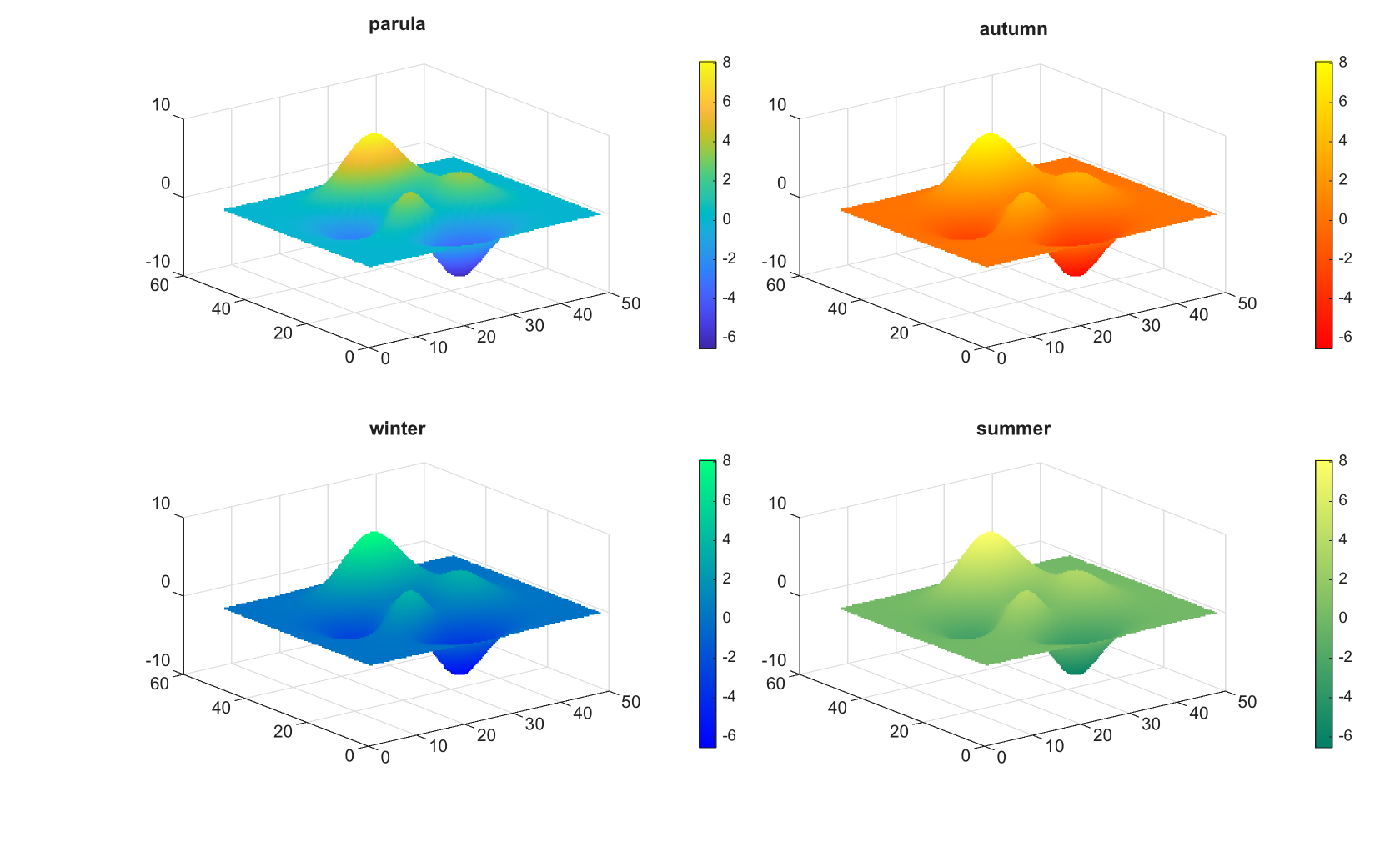
The graphics engine was re-architected around a backend-agnostic core, so the same plots
render on the native desktop, headless, in the browser, and in WebAssembly. A thorough
compatibility pass brought exact tick placement, fonts, and colours, real axis-ruler and
title objects, physically based surface lighting, and new chart types, from yyaxis and
polaraxes to heatmaps and streamlines.
More building blocks
- Full sparse-matrix support across operations.
- An image-processing module, and a NetCDF reader and writer.
- A Julia interface alongside the existing Python bridge.
- A reworked, searchable help system with multi-format export (PDF, HTML, and DOCX) and a French translation.
Ready to try it? Download Nelson. See all features or read the changelog.