Web desktop
The full Nelson desktop, running in your browser.
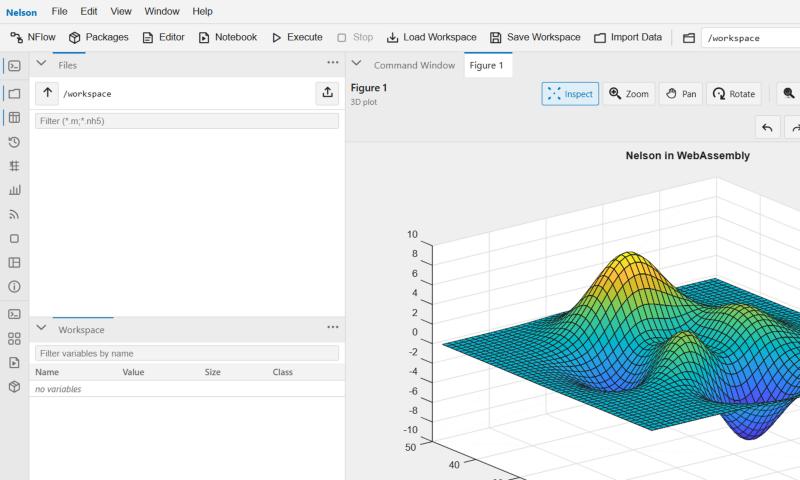
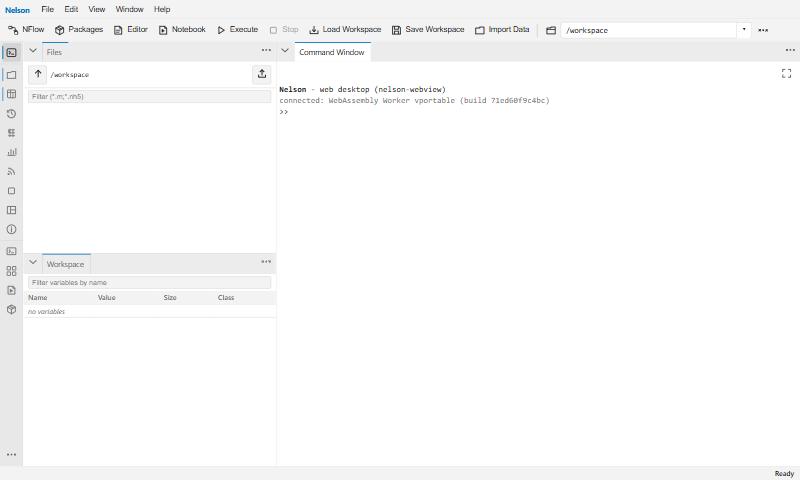
Nelson 2.0 introduces a complete web desktop: a browser-based equivalent of the native Qt desktop, built so that the same engine and graphics run in the browser. It reuses the existing engine and offers a dockable workspace with the features you would expect from the desktop application.
What is inside
- A command window with history, Tab completion, and Ctrl+C.
- Workspace, History, and File browsers.
- An editable variable editor for arrays, structs, cells, and tables, with Excel-style paste and undo and redo.
- A code editor with breakpoints and debugging.
- Dockable figure windows, where graphics render as server-streamed images or natively through WebGL.
- Integrated executable notebooks.
It runs client-side with WebAssembly
A separate WebAssembly build compiles Nelson itself so that it runs entirely in the
browser, with no server round-trip. A new iswasm() function, alongside ispc, ismac,
and isunix, lets scripts, packages, and demos adapt to the browser environment.
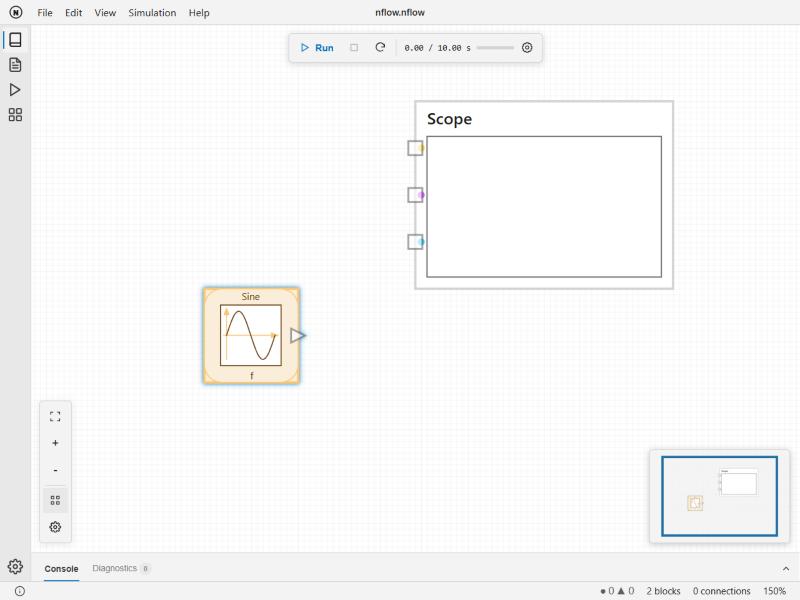
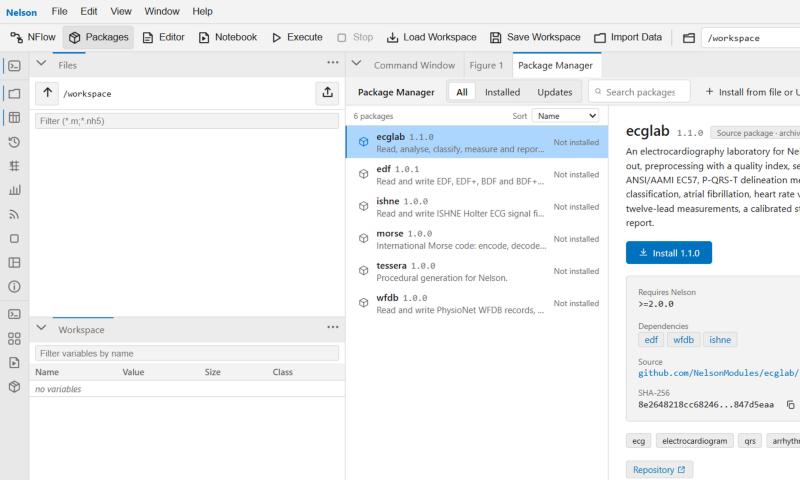
Nearly all of Nelson’s features are available in this build, including visual modelling with NFlow. You can run it directly in your browser at nelson-everywhere.
The same plots everywhere
Because the graphics engine is backend-agnostic, the plots you build render identically on the native desktop, headless, in the web desktop, and in WebAssembly.
The web desktop is enabled with a build option, and the native desktop remains the default.
See what else is new in 2.0, or download Nelson.