◆ Nelson 2.0 preview

The open language for numerical computing

Nelson is an array programming language whose syntax most engineers and scientists already know. It runs quickly on your own machine and in the browser, and it lets you model systems, simulate them, and generate C and Rust from the result.

Free and open source under the LGPL and GPL. There are no licence fees, seat limits, or activation steps.

session.m
% Load a CSV, group by day, and plot the result
t = readtable("sensors.csv");
t.Time = datetime(t.Time, "InputFormat", "yyyy-MM-dd HH:mm");

daily = groupsummary(t, "Time", "day", "mean", "Temp");

figure();
plot(daily.Time, daily.mean_Temp, "LineWidth", 2);
title("Mean daily temperature");

Free and open source

Nelson is released under the LGPL and GPL, so you can install it on every laptop, lab machine, and CI runner without counting licences.

A language you already know

The array syntax is familiar, and more than 3,000 built-in functions are available. Existing scripts, MEX files, and .mat data usually carry over with few changes.

Fast at its core

A new bytecode engine adds dedicated fast paths for real and complex arithmetic, and the project holds itself to a strict internal performance target.

Native and in the browser

The same engine runs on Windows, macOS, and Linux, and a new web desktop now runs client-side in WebAssembly.

Nelson 2.0

A major release, inside and out

Version 2.0 brings a faster engine, full object-oriented programming, visual modelling with code generation, a browser-based desktop, and a modern data-analysis toolkit.

New bytecode engine

Your scripts run on a compiled bytecode virtual machine with dedicated fast paths for real and complex values. The results are the same and the execution is noticeably quicker.

Object-oriented with classdef

Value and handle classes, inheritance, properties, static methods, operator overloading, events, and enumerations, with broad compatibility for existing code.

Tables, datetime, and more

Tables and timetables, datetime and duration with sub-second precision, and categorical arrays, all designed for working with real data.

GPU computing

Run array computations on the GPU through WebGPU, portably on Windows, Linux, and macOS, with no proprietary CUDA dependency.

ODE solvers

Explicit, stiff, implicit, delay, and boundary-value differential-equation solvers with a familiar interface and an optional SUNDIALS backend.

NFlow visual modelling beta

Build block diagrams, simulate them, and generate standalone C and Rust that match the model to machine precision.

Graphics, rebuilt

A backend-agnostic graphics core renders the same plots on the desktop, headless, on the web, and in WebAssembly, and it adds several new chart types.

Standalone applications

Compile your programs into native executables that run without a Nelson installation and without a C or C++ toolchain.

Web desktop and WASM

The command window, editor, debugger, variable editor, and figures all run in your browser, with nothing to install.

NFlow (beta)

Build models visually, then generate code from them

You assemble a model from a palette of blocks, connect signal flows or physical networks, and run it on a solver engine with live scopes and dashboards. Once the model behaves as intended, NFlow generates clean, standalone source code that you can read, build, and maintain yourself.

  • Causal signal flow and acausal physical modelling in one canvas
  • Fixed-step and variable-step solvers, events, and algebraic loops
  • Generated C and no_std Rust that you embed in firmware or run on their own
  • FMI and FMU co-simulation, with a stable, versioned model format
model.nflow to C model.nflow to no_std Rust solver and scopes

NFlow block diagram: a step through a gain and integrator into a scope showing a first-order response
A continuous model in NFlow, simulated and then generated to C and Rust.
Built for science and engineering

From a one-liner to a full simulation

Nelson covers linear algebra and sparse solvers, the FFT, control systems, statistics, image processing, HDF5, NetCDF, and MAT-file I/O, bridges to Python and Julia, and 2-D and 3-D graphics.

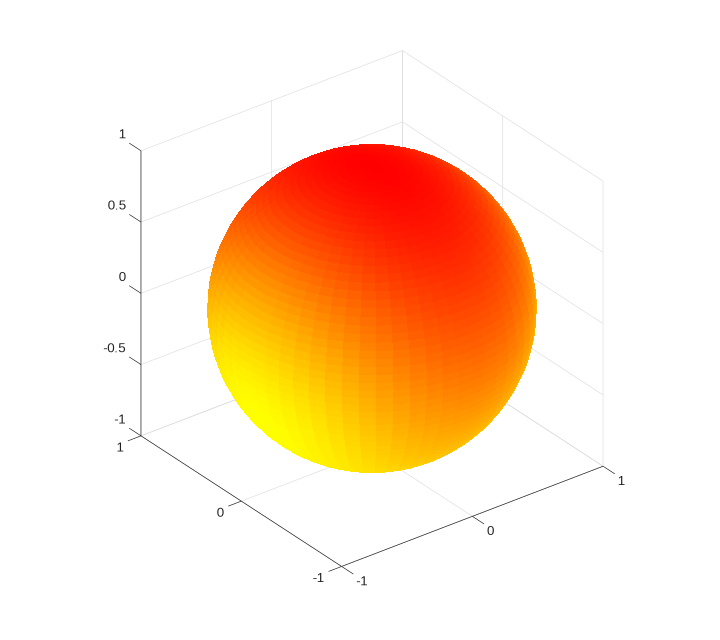
sphere.m
% A shaded 3-D surface in four lines
[X, Y, Z] = sphere(60);
C = X.^2 - Z;

surf(X, Y, Z, C, "EdgeColor", "none");
colormap("autumn");
axis("equal");
A rendered 3-D sphere surface with smooth colour shading
Crisp vector output (SVG)
Rendered identically on the desktop, headless, and in the browser
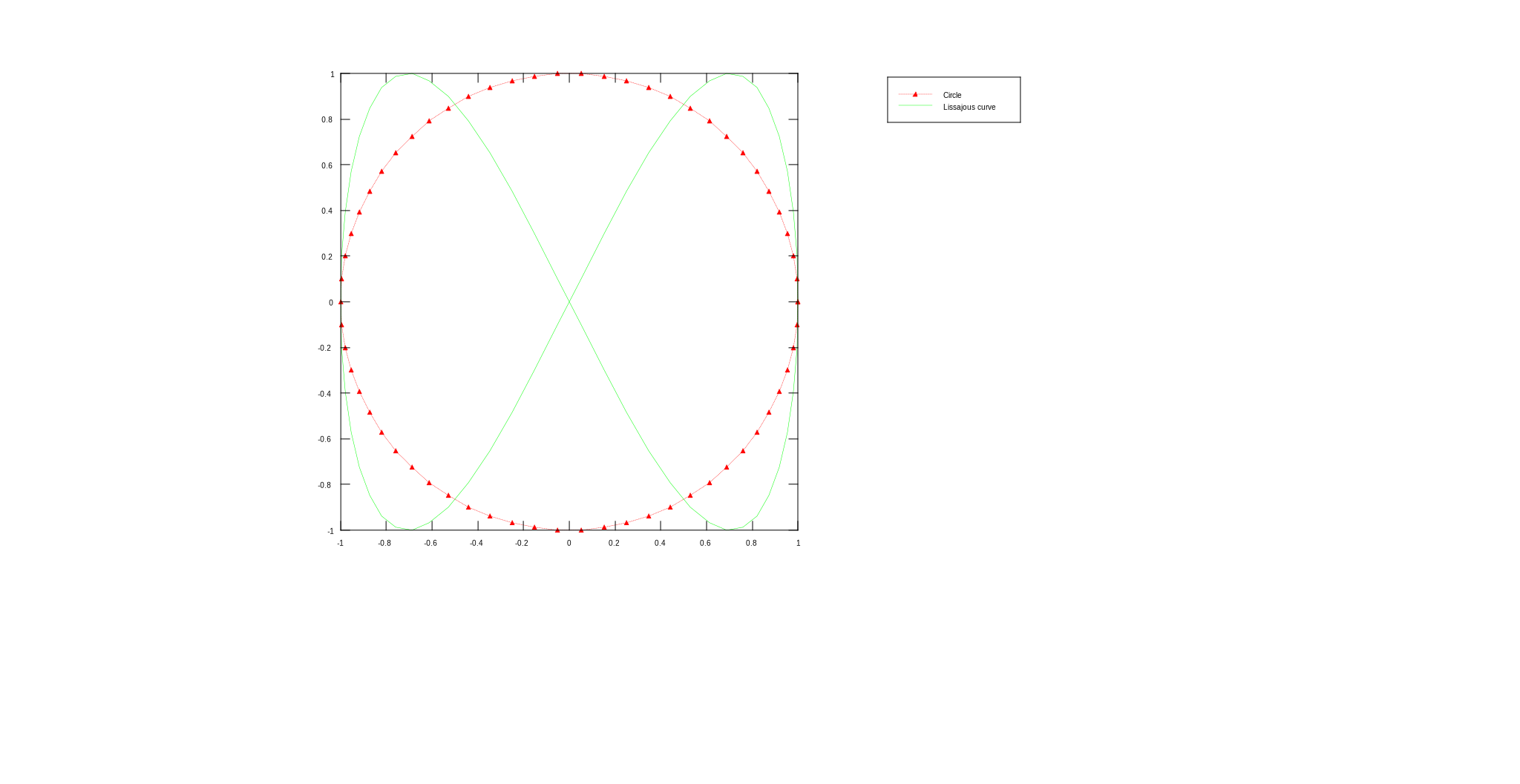
2-D line plot with markers and legend
2-D plotting
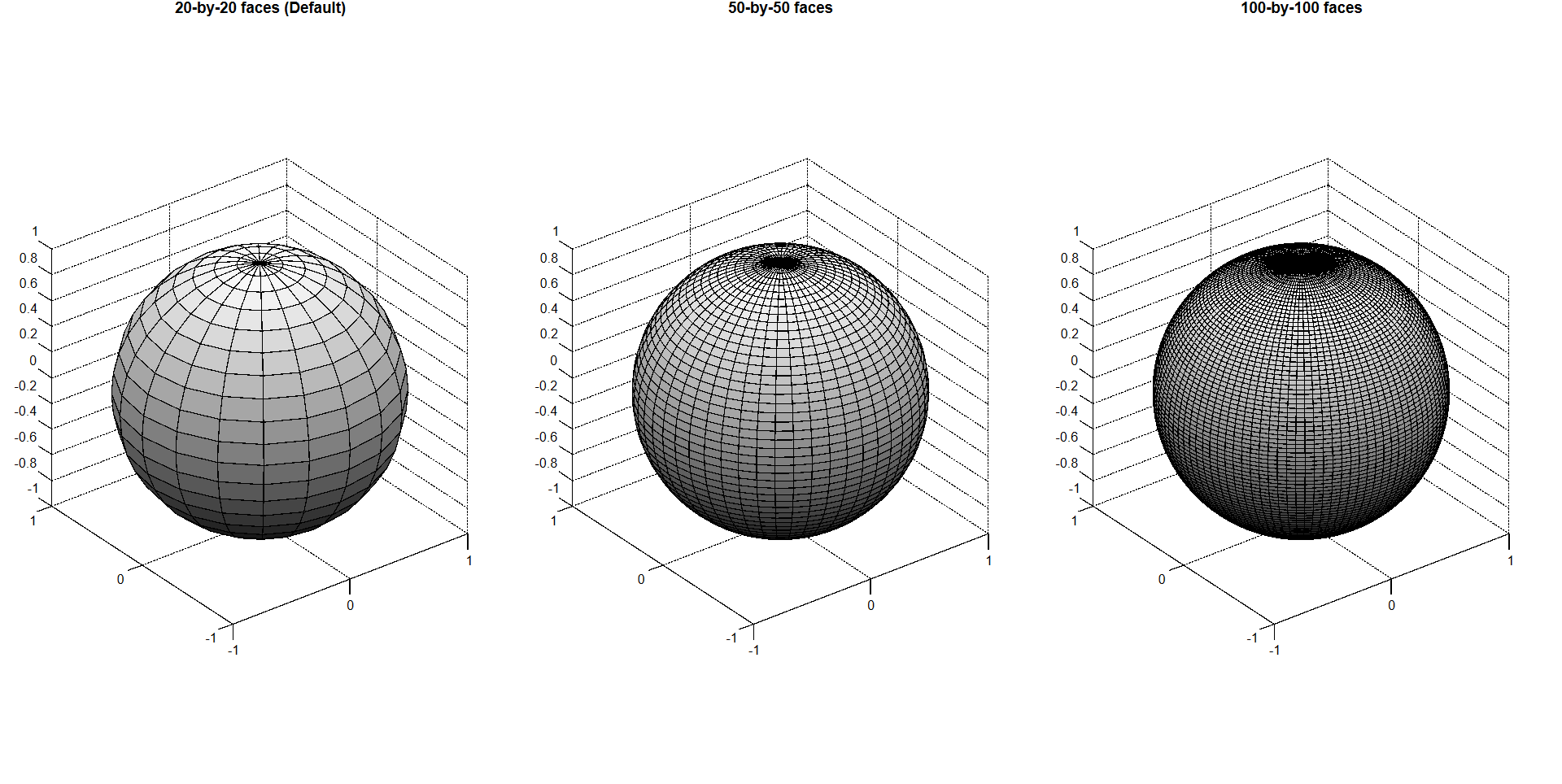
Shaded spheres at three mesh resolutions
3-D meshes and surfaces
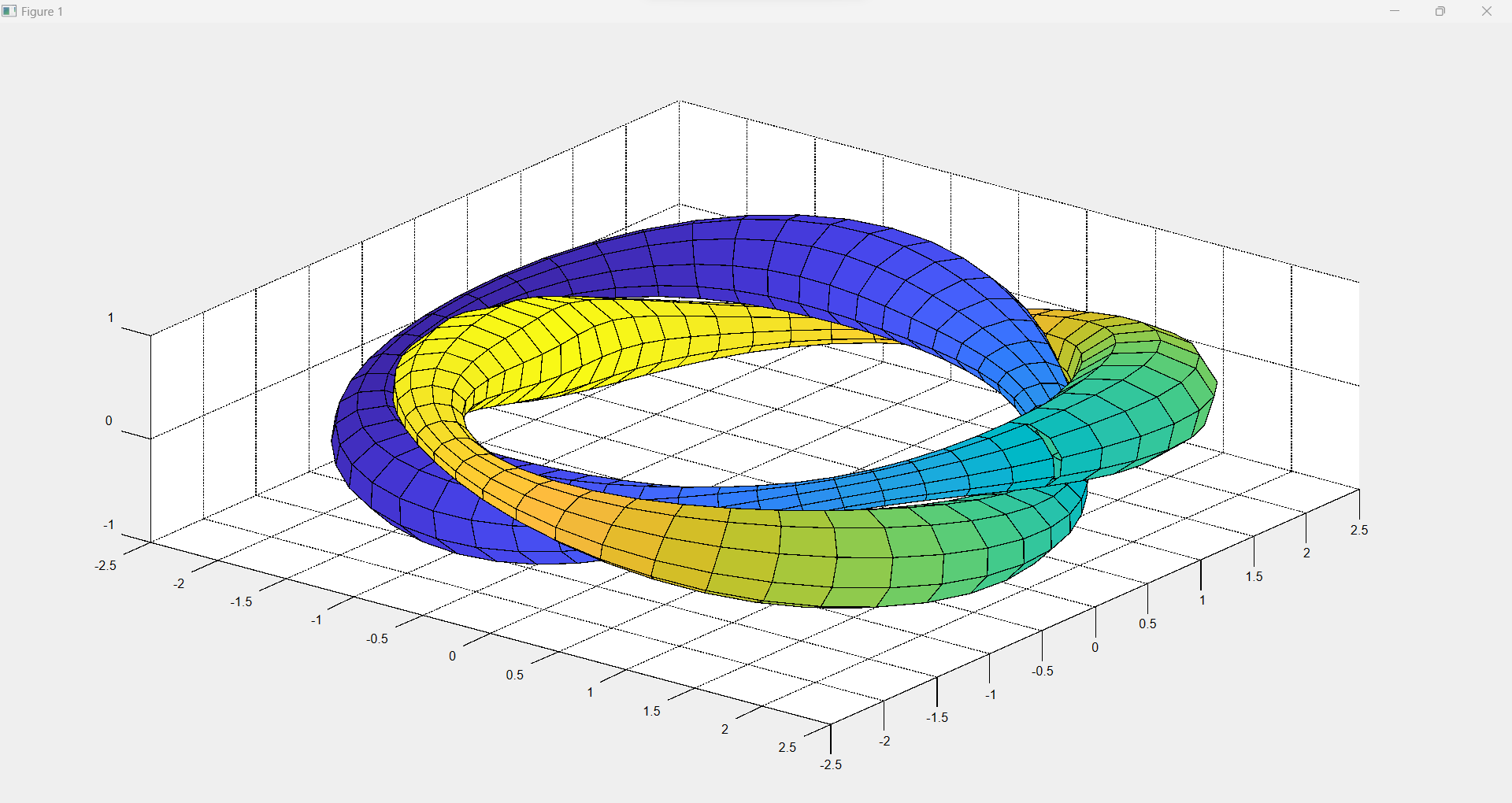
Interlocking 3-D tube plot
Parametric 3-D
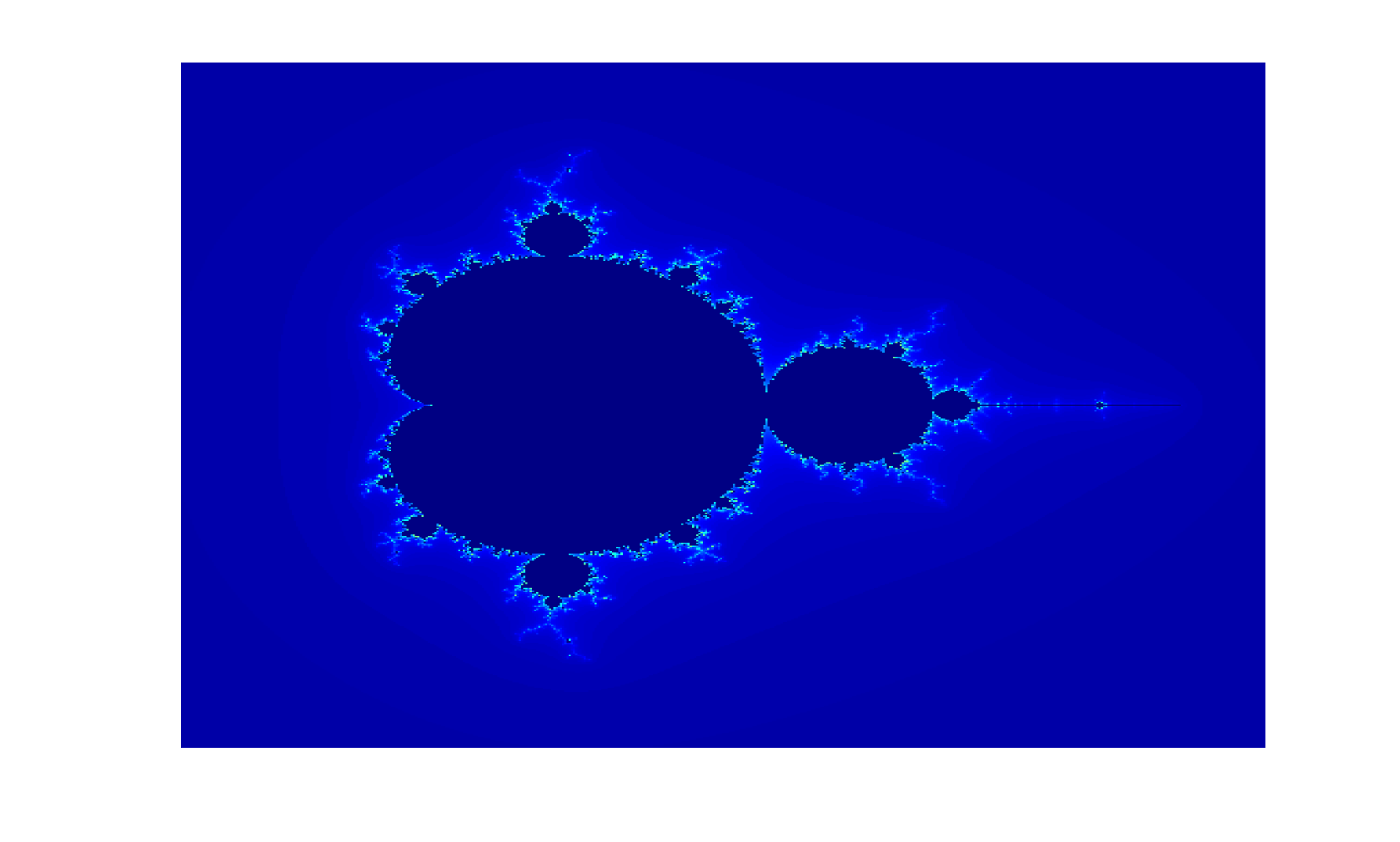
Fractal image
Image processing
Explore all features
Get started

Download Nelson

Choose your platform. Installers and package managers are available for Windows, macOS, and Linux.

Operating systemArchitectureCIBinaries
Windows 10, 11x86-64, arm64✓✓
macOS (Tahoe, Sequoia, Sonoma)arm64, x86-64✓✓ .dmg
Ubuntu 24.04, 26.04x86-64, arm64✓✓ .deb, manylinux, Snap, Flatpak
Fedora 45, Arch Linuxx86-64✓✓ Snap, Flatpak