Examples
Select one object from a binary image
BW=false(64,64); BW(10:26,8:24)=true; BW(36:56,38:58)=true;
BW2=bwselect(BW, 16, 18, 8);
figure; subplot(1,2,1); imagesc(BW); title('Input');
subplot(1,2,2); imagesc(BW2); title('Selected');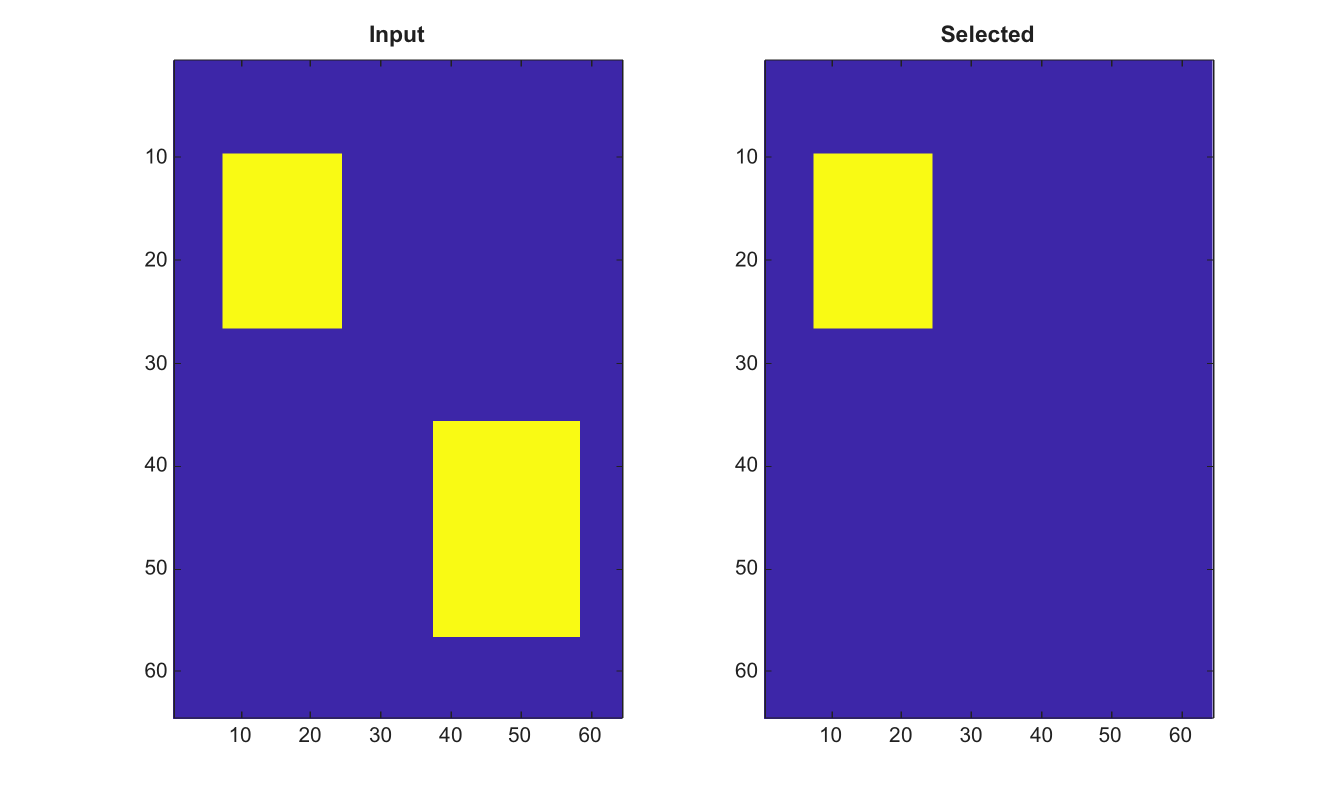
BW2 = bwselect(BW, c, r)
BW2 = bwselect(BW, c, r, conn)
[BW2, idx] = bwselect(BW, c, r, conn)
| Parameter | Description |
|---|---|
| BW | Input binary image. Nonzero values are treated as true. |
| c | Column coordinates of query points. |
| r | Row coordinates of query points. |
| conn | Connectivity, either 4 or 8. |
| Parameter | Description |
|---|---|
| BW2 | Logical image containing selected connected components. |
| idx | Linear indices of true pixels in BW2. |
Select connected components in a 2-D binary image that contain at least one query point. Coordinates are passed as columns c and rows r. Supported connectivities are 4 and 8.
BW=false(64,64); BW(10:26,8:24)=true; BW(36:56,38:58)=true;
BW2=bwselect(BW, 16, 18, 8);
figure; subplot(1,2,1); imagesc(BW); title('Input');
subplot(1,2,2); imagesc(BW2); title('Selected');| Version | Description |
|---|---|
| 2.0.0 | initial version |