Examples
Find and display connected components
BW=false(64,64); BW(8:20,8:20)=true; BW(36:52,32:48)=true;
CC=bwconncomp(BW);
L=labelmatrix(CC);
figure; imagesc(L); title('Connected components');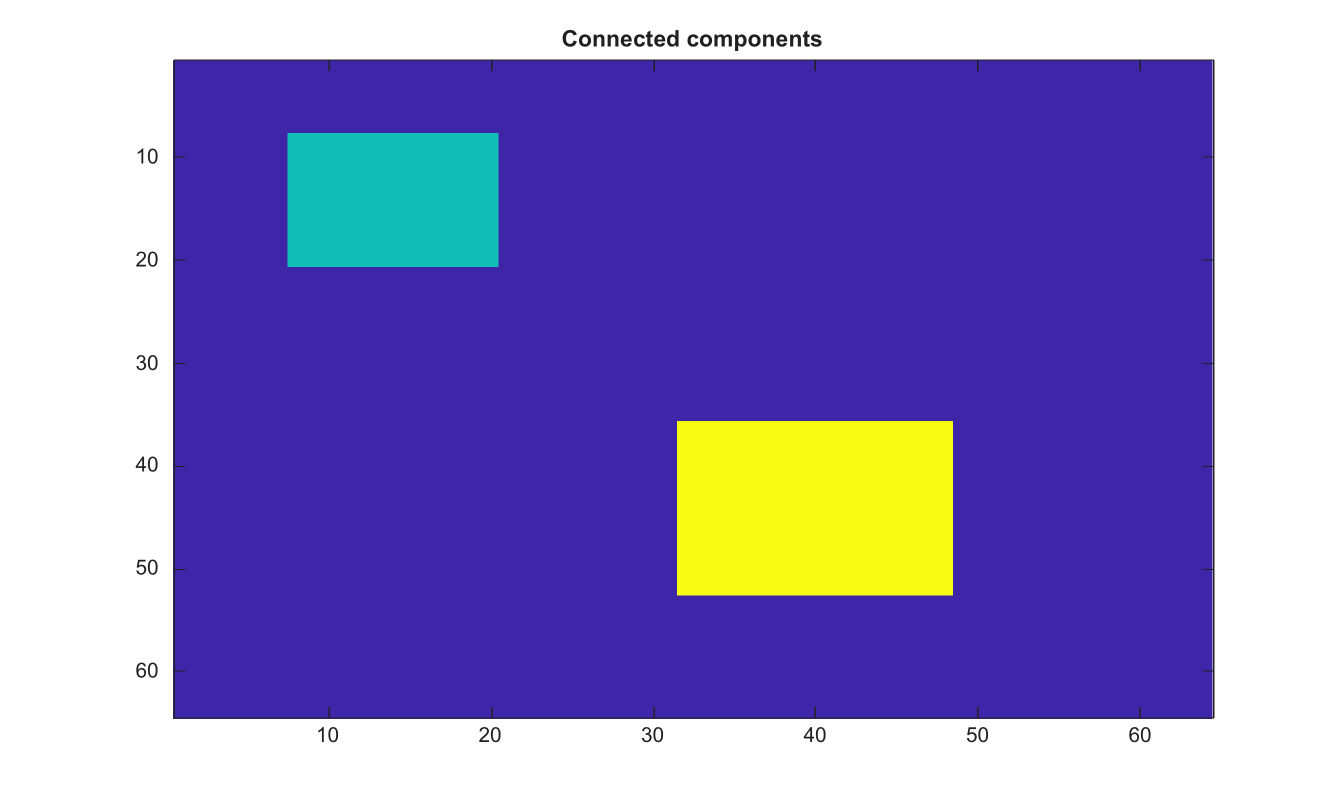
CC = bwconncomp(BW)
CC = bwconncomp(BW, conn)
| Parameter | Description |
|---|---|
| BW | Binary image or volume. Numeric input is treated as foreground where values are nonzero. |
| conn | Connectivity. Use 4 or 8 for 2-D images, and 6, 18, or 26 for 3-D volumes. The default is maximal connectivity. |
| Parameter | Description |
|---|---|
| CC | Connected-component structure with Connectivity, ImageSize, NumObjects, and PixelIdxList fields. |
Find connected foreground components in a 2-D binary image or 3-D binary volume.
The returned structure contains Connectivity, ImageSize, NumObjects, and PixelIdxList fields.
BW=false(64,64); BW(8:20,8:20)=true; BW(36:52,32:48)=true;
CC=bwconncomp(BW);
L=labelmatrix(CC);
figure; imagesc(L); title('Connected components');| Version | Description |
|---|---|
| 2.0.0 | initial version |