uiswitch
Create switch component (slider, rocker, toggle).
📝Syntax
h = uiswitch()
h = uiswitch(parent)
h = uiswitch(..., propertyName, propertyValue)
📥Input Arguments
Parameter Description
parent parent container.
propertyName, propertyValue name-value pairs.
📤Output Arguments
Parameter Description
h UI component object.
📄Description

sw = uiswitch(parent, style) creates a two-state switch: styles 'slider' (default), 'rocker', 'toggle'. Items holds the two state labels; Value/ValueIndex/ItemsData follow the usual mapping; ValueChangedFcn reports changes.

💡Examples
Captured UI component for the help image.
f = uifigure('Visible', 'off', 'Name', 'Switches', 'Position', [100 100 520 300]);
sw = uiswitch(f, 'Position', [120 135 90 32]);
sw.Value = 'On';
rsw = uiswitch(f, 'rocker');
rsw.Position = [300 90 48 100];
rsw.Value = 'On';
drawnow();
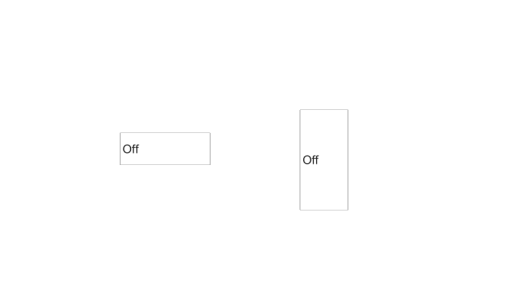
Example illustration
uiswitch
f = uifigure();
sw = uiswitch(f, 'Items', {'Stop', 'Go'});
sw.Value = 'Go';
🔗See Also
uifigure
🕔Version History
Version Description
2.0.0 initial version
Edit this page on GitHub