Exemples
Ajouter une annotation line.
f = figure();
plot(1:10);
annotation('line', [0.15 0.85], [0.75 0.75], ...
  'Color', [0 0.45 0.74], 'LineWidth', 2);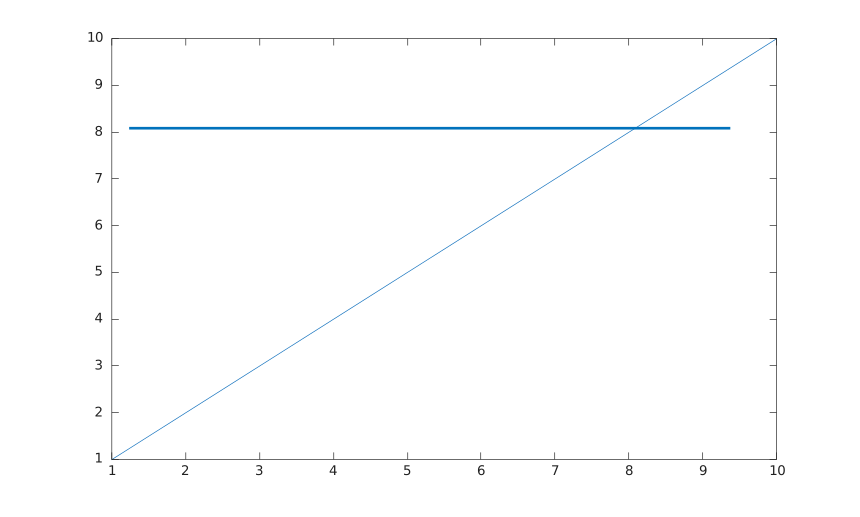
Ajouter une annotation arrow.
f = figure();
plot(1:10);
annotation('arrow', [0.25 0.55], [0.65 0.45], ...
  'Color', 'red', 'LineStyle', '--', 'HeadStyle', 'plain');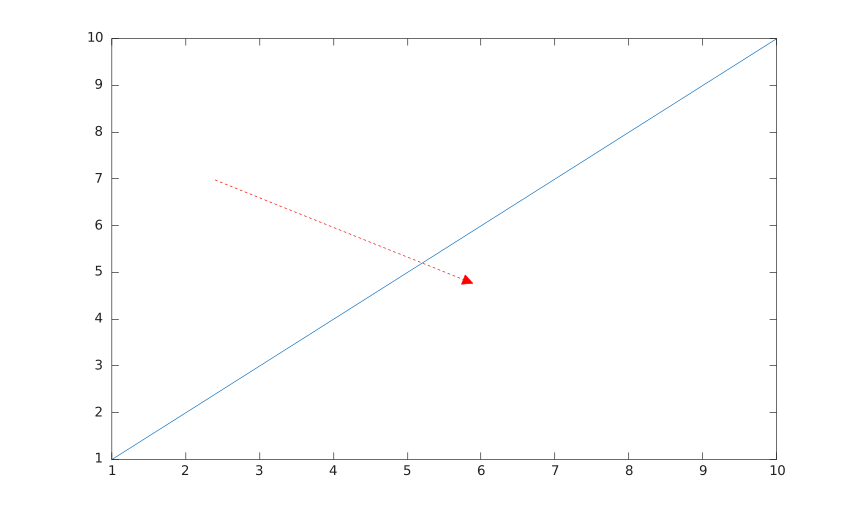
Ajouter une annotation doublearrow.
f = figure();
plot(1:10);
annotation('doublearrow', [0.25 0.75], [0.25 0.25], ...
  'Head1Style', 'vback1', 'Head2Style', 'cback3', 'LineWidth', 1.5);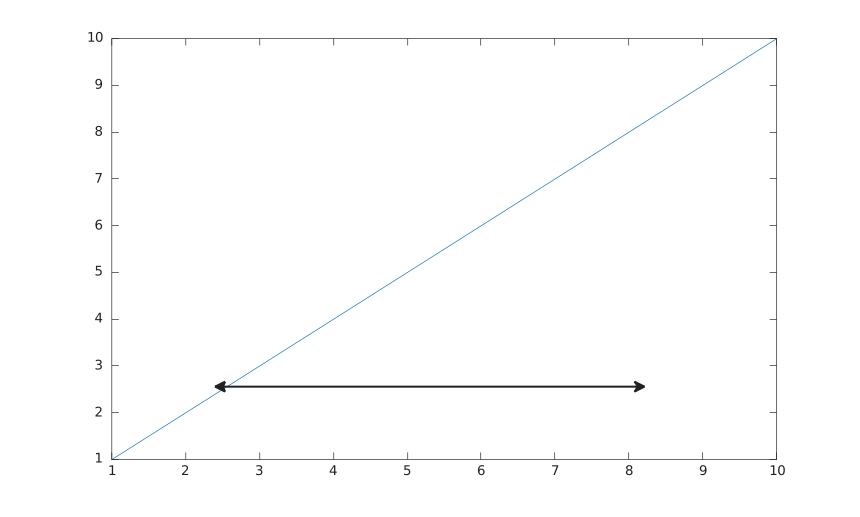
Ajouter une annotation textarrow.
f = figure();
plot(1:10);
annotation('textarrow', [0.3 0.55], [0.7 0.55], ...
  'String', 'y = x', 'TextBackgroundColor', 'white');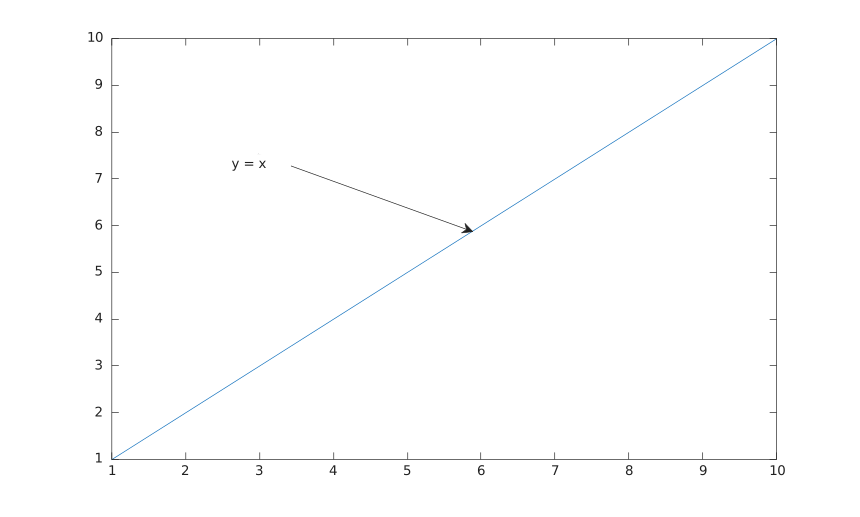
Ajouter une annotation rectangle.
f = figure();
plot(1:10);
annotation('rectangle', [0.3 0.4 0.25 0.2], ...
  'Color', 'red', 'FaceColor', 'yellow', 'FaceAlpha', 0.35, 'Rotation', 20);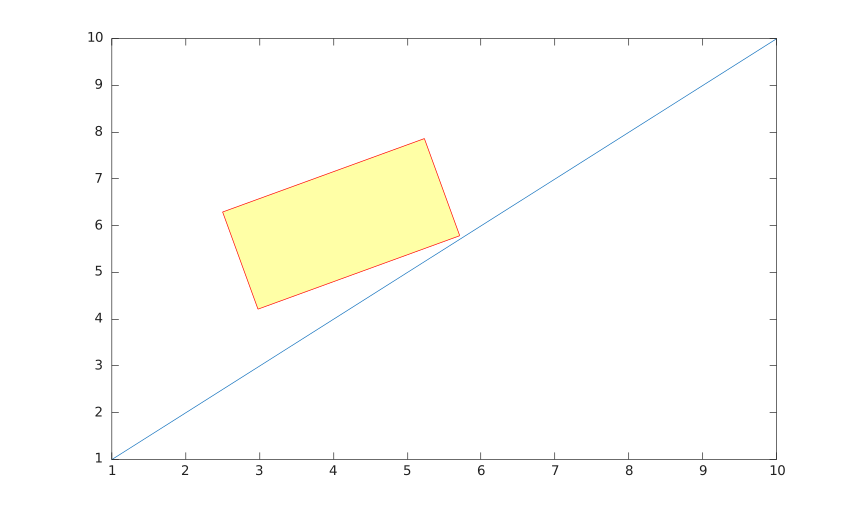
Ajouter une annotation ellipse.
f = figure();
plot(1:10);
annotation('ellipse', [0.55 0.35 0.25 0.2], ...
  'Color', [0.49 0.18 0.56], 'FaceColor', 'none', 'LineWidth', 1.5);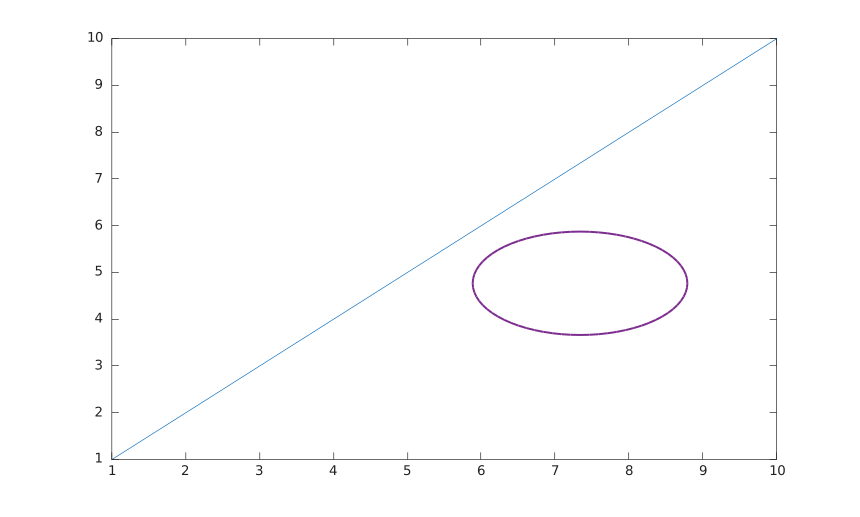
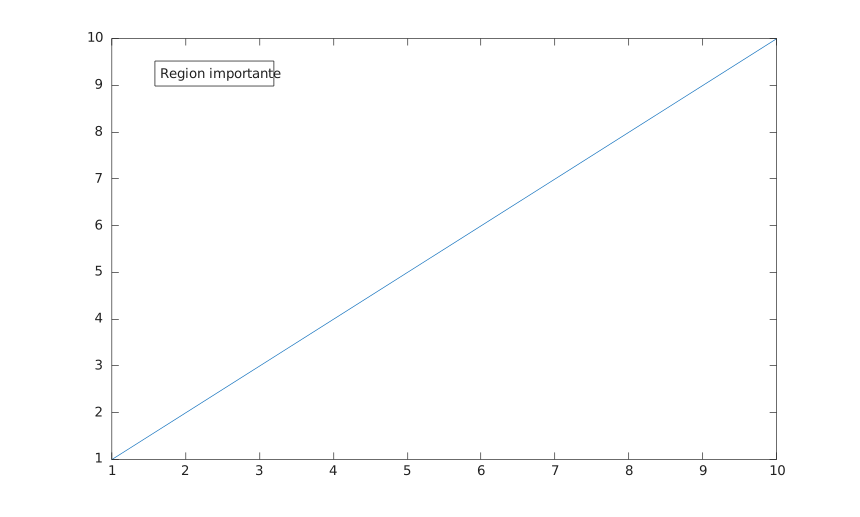
Ajouter une annotation textbox.
f = figure();
plot(1:10);
annotation('textbox', [0.18 0.78 0.28 0.1], ...
  'String', 'Region importante', 'FitBoxToText', 'on', ...
  'BackgroundColor', 'white', 'EdgeColor', 'black');