daspect
Control data unit length along each axis.
📝Syntax
daspect(ratio)
d = daspect()
daspect('auto')
daspect('manual')
m = daspect('mode')
daspect(ax, ...)
📥Input Arguments
Parameter Description
ratio Three-element vector of positive values specifying the relative lengths of data units along the x, y, and z axes.
'auto' Set the data aspect ratio mode to automatic.
'manual' Set the data aspect ratio mode to manual.
'mode' Query the current data aspect ratio mode ('auto' or 'manual').
ax Target axes object. If not specified, uses current axes.
📤Output Arguments
Parameter Description
d Three-element vector representing the current data aspect ratio.
m Current data aspect ratio mode: 'auto' or 'manual'.
📄Description

daspect controls the relative lengths of data units along the x, y, and z axes.

daspect(ratio) sets the data aspect ratio for the current axes. ratio is a three-element vector of positive values. For example, [1 2 3] means the length from 0 to 1 along the x-axis equals the length from 0 to 2 along the y-axis and 0 to 3 along the z-axis.

d = daspect() returns the current data aspect ratio as a three-element vector.

daspect('auto') sets the data aspect ratio mode to automatic, enabling the axes to choose the ratio.

daspect('manual') sets the mode to manual and uses the ratio stored in the axes.

m = daspect('mode') returns the current mode, either 'auto' or 'manual'.

daspect(ax, ...) operates on the axes specified by ax instead of the current axes.

Setting the data aspect ratio disables the stretch-to-fill behavior of the axes.

💡Examples
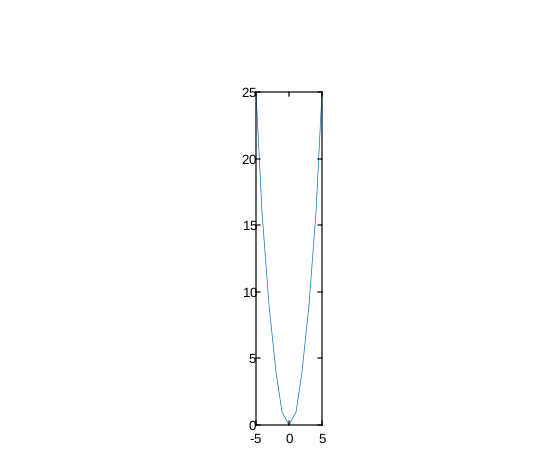
stretch X relative to Y
plot(-5:5, (-5:5).^2)
daspect([2 1 1])
Example illustration
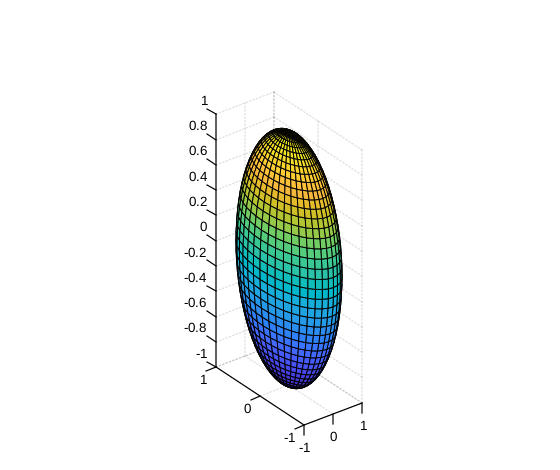
Set different data unit lengths for each axis
sphere(40);
daspect([2 1 0.5]) 
Example illustration
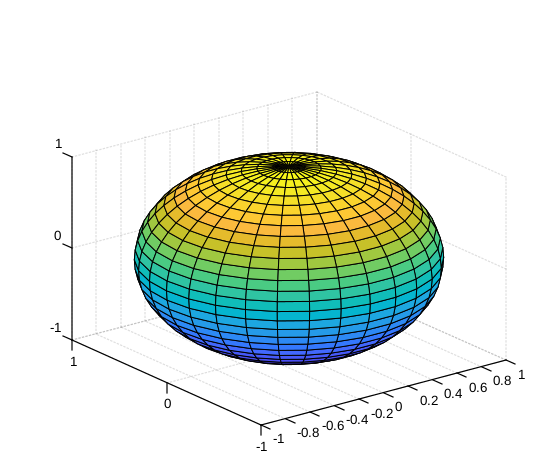
Switch between manual and auto aspect ratio modes
[X, Y, Z] = sphere(30);
surf(X, Y, Z)
daspect([2 1 1])
disp(daspect('mode'))
daspect('auto')
disp(daspect('mode'))
Example illustration
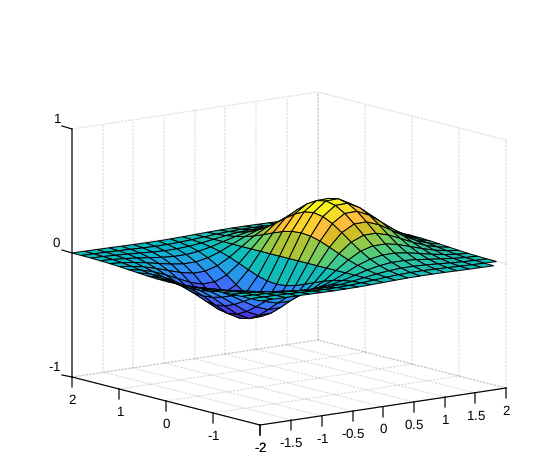
Query the current data aspect ratio
[x, y] = meshgrid(-2:0.2:2);
z = x .* exp(-x.^2 - y.^2);
surf(x, y, z)
d = daspect()
disp(d)
Example illustration
🔗See Also
pbaspectaxisxlimylimzlim
🕔Version History
Version Description
1.16.0 initial version
Edit this page on GitHub