Examples
f = figure();
L = linspace(0, 1);
R = L' * L;
G = L' * (L .^ 2);
B = L' * (0 *L + 1);
C(:, :, 1) = G;
C(:, :, 2) = G;
C(:, :, 3) = B;
im = image(C)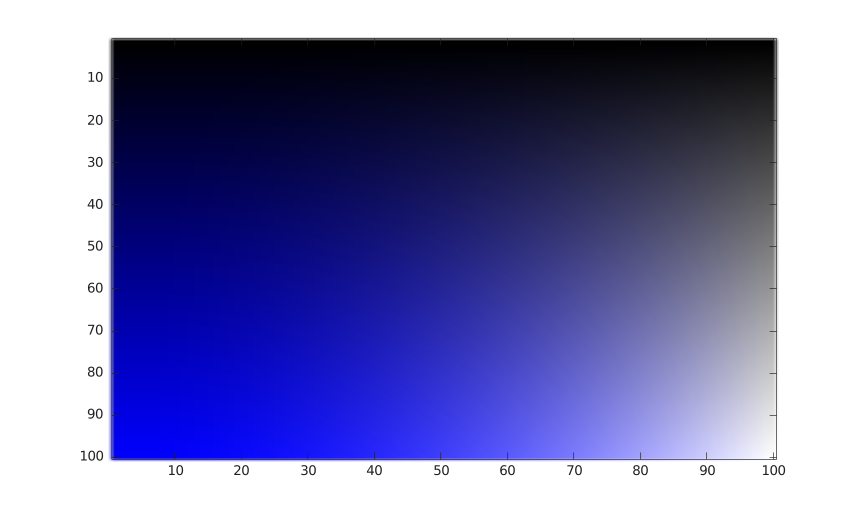
f = figure();
image();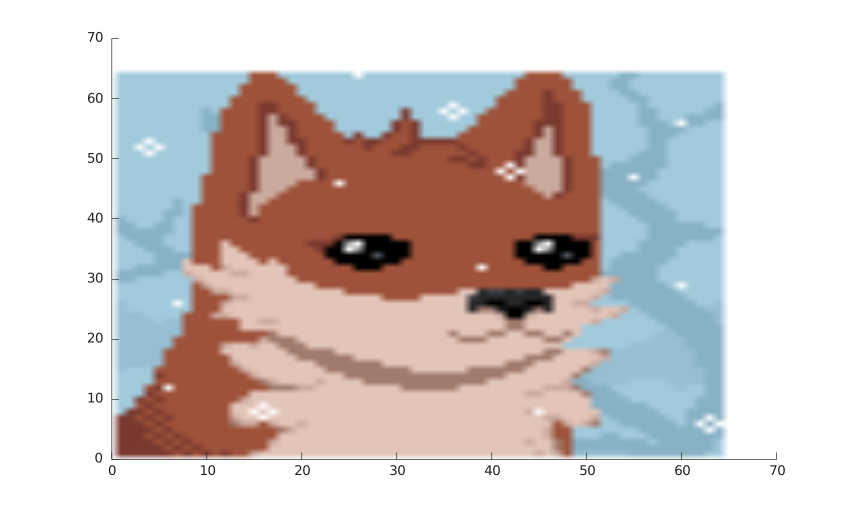
image()
image(C)
image(X, Y, C)
image('CData', C)
image('XData', X, 'YData', Y,'CData', C)
image(..., propertyName, propertyValue)
image(parent, ...)
go = image(...)
| Parameter | Description |
|---|---|
| X | x-coordinates: vector or matrix. |
| Y | y-coordinates: vector or matrix. |
| C | Color array: m-by-n-by-3 array of RGB triplets. |
| parent | a scalar graphics object value: parent container, specified as a axes. |
| propertyName | a scalar string or row vector character. |
| propertyValue | a value. |
| Parameter | Description |
|---|---|
| go | a graphics object: image type. |
image displays C data as an image.
See image properties for the complete property list.
f = figure();
L = linspace(0, 1);
R = L' * L;
G = L' * (L .^ 2);
B = L' * (0 *L + 1);
C(:, :, 1) = G;
C(:, :, 2) = G;
C(:, :, 3) = B;
im = image(C)
f = figure();
image();| Version | Description |
|---|---|
| 1.0.0 | initial version |
| 1.7.0 | CreateFcn, DeleteFcn callback added. |
| -- | BeingDeleted property added. |