uicontrol
Create user interface component.
📝Syntax
c = uicontrol()
c = uicontrol(propertyName, propertyValue)
c = uicontrol(parent)
c = uicontrol(parent, propertyName, propertyValue, ...)
uicontrol(c)
📥Input Arguments
Parameter Description
parent figure graphics object.
propertyName property name: a scalar string or row vector character.
propertyValue property value: a value compatible with property name.
c an User Interface control object.
📤Output Arguments
Parameter Description
c an User Interface control object.
📄Description

c = uicontrol creates a push button, which is the default user interface control, within the current figure and returns the associated uicontrol object. If no figure is currently open, Nelson generates one using the figure function.

c = uicontrol(propertyName, propertyValue) creates a user interface control with properties defined by one or more name-value pair arguments. For instance, specifying 'Style', 'button' will create a button.

c = uicontrol(parent) creates the default user interface control (push button) within the specified parent container, rather than defaulting to the current figure.

c = uicontrol(parent, propertyName, propertyValue) creates a user interface control within the specified parent container, allowing you to define its properties using one or more name-value pair arguments.

uicontrol(c) sets the focus to a previously defined user interface control, bringing it to the forefront for user interaction.

See uicontrol properties for the complete property list.

💡Examples
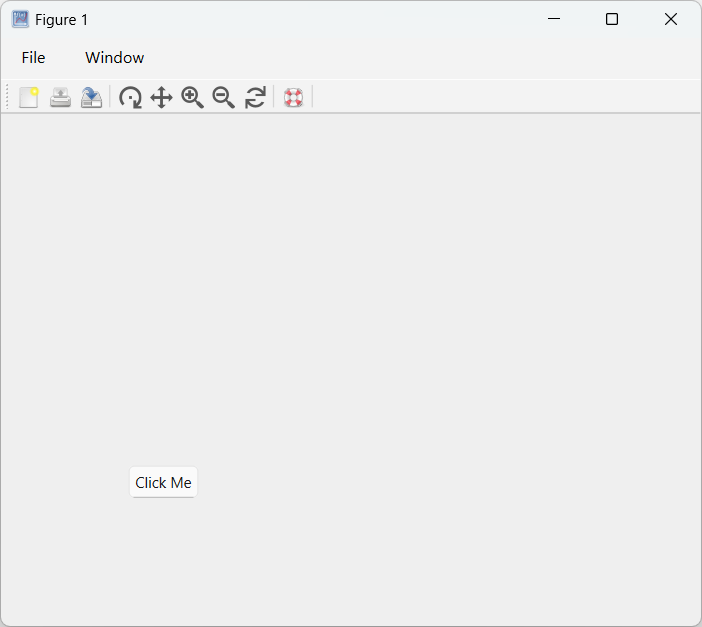
Pushbutton
f = figure;
b = uicontrol(f,Style='pushbutton', String='Click Me', Position=[100 100 60 30], Callback='disp(''Hello World!'')')
Example illustration
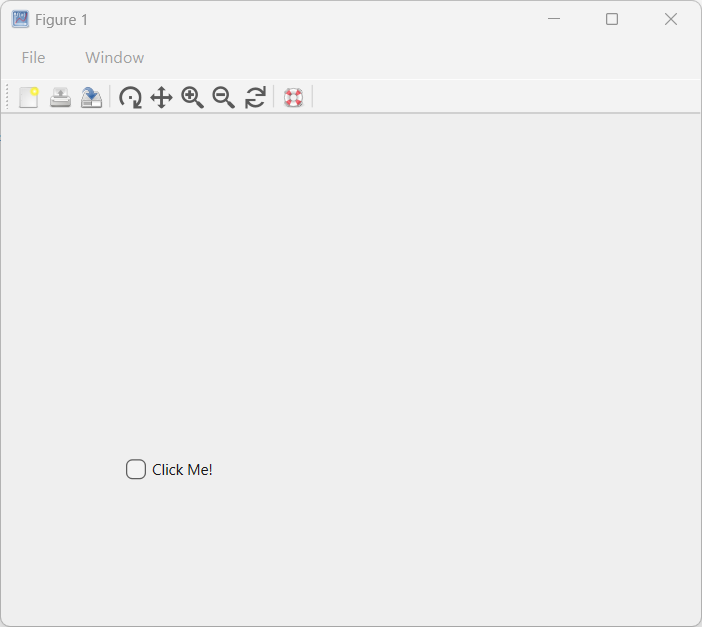
Checkbox
f = figure();
h = uicontrol(Style='checkbox', String='Click Me!', Position=[100, 100, 100, 50]);
Example illustration
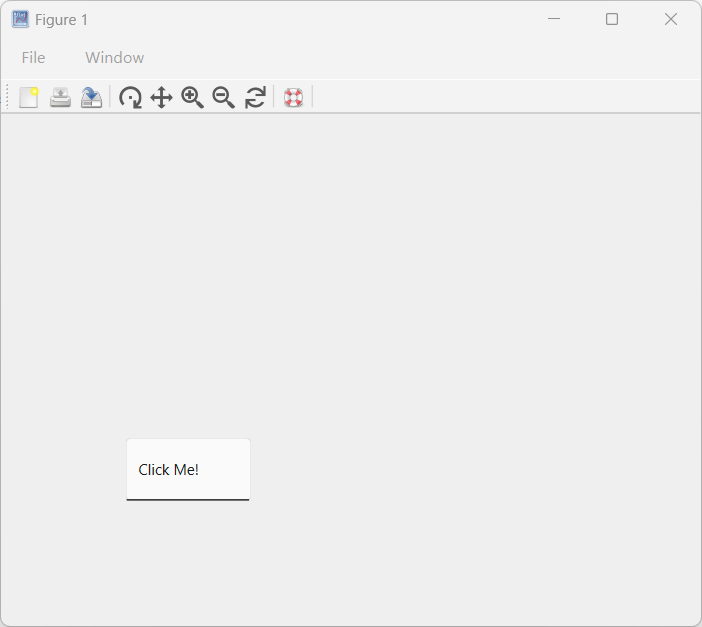
Edit
f = figure();
h = uicontrol(Style='edit', String='Click Me!', Position=[100, 100, 100, 50]);
Example illustration
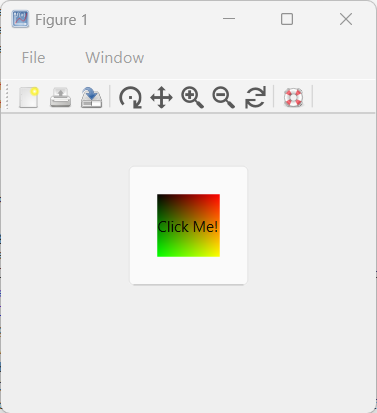
Image
hFig = figure(Position=[100, 100, 300, 300]);
imgSize = 50;  % Size of the image
[X, Y] = meshgrid(1:imgSize, 1:imgSize);
CData = cat(3, X/imgSize, Y/imgSize, zeros(imgSize));
CData = im2double(CData);  % Ensure the image is of type double
hButton = uicontrol(Style='pushbutton',  Position=[100, 100, 100, 100], CData=CData, String='Click Me!');
Example illustration
uicontrol demo
addpath([modulepath('graphics','root'), '/examples/uicontrol'])
edit uicontrol_demo
uicontrol_demo
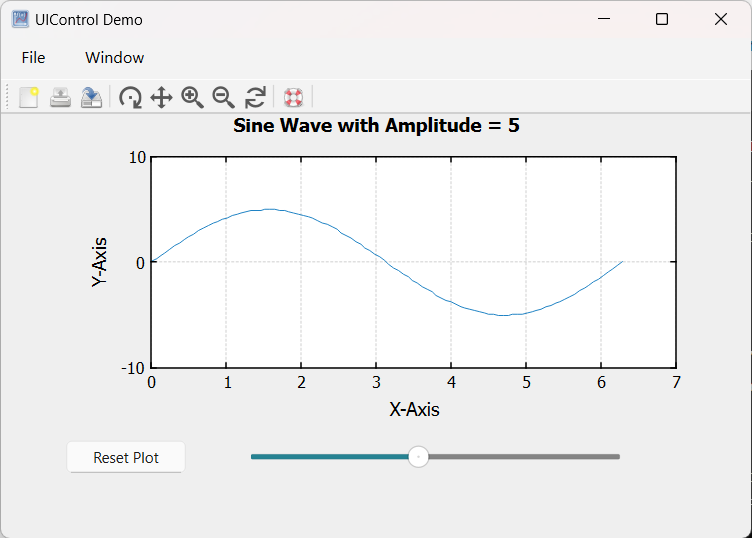
Example illustration
uicontrol demo Interruptible
addpath([modulepath('graphics','root'), '/examples/uicontrol'])
edit uicontrol_demo_interruptible
uicontrol_demo_interruptible
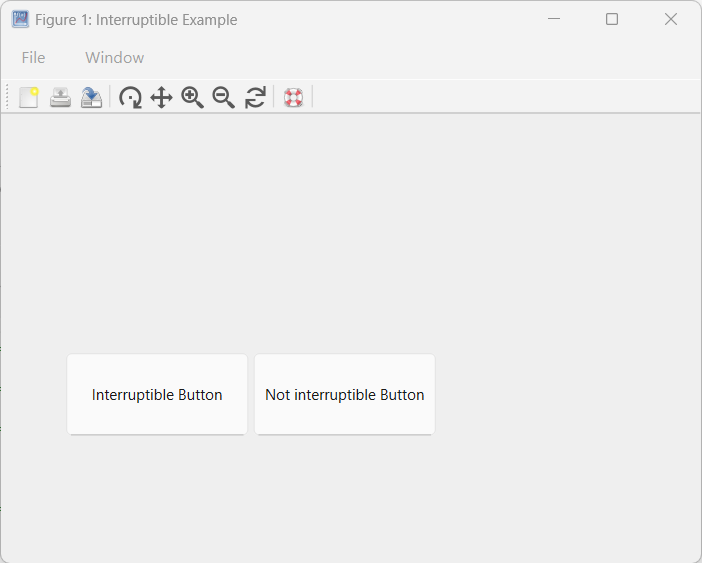
Example illustration
🔗See Also
uicontrol propertiesfigureManaging Callback Interruptions in Nelson
🕔Version History
Version Description
1.7.0 initial version
1.14.0 Units property added
Edit this page on GitHub